 KeyMistry
KeyMistry
KeyMistry
Connect your keyboard, follow falling notes, and get instant feedback. Practice with note‑wait, hand isolation, tempo & loop control, and progress tracking - right in your browser.

Four simple steps to your first song.
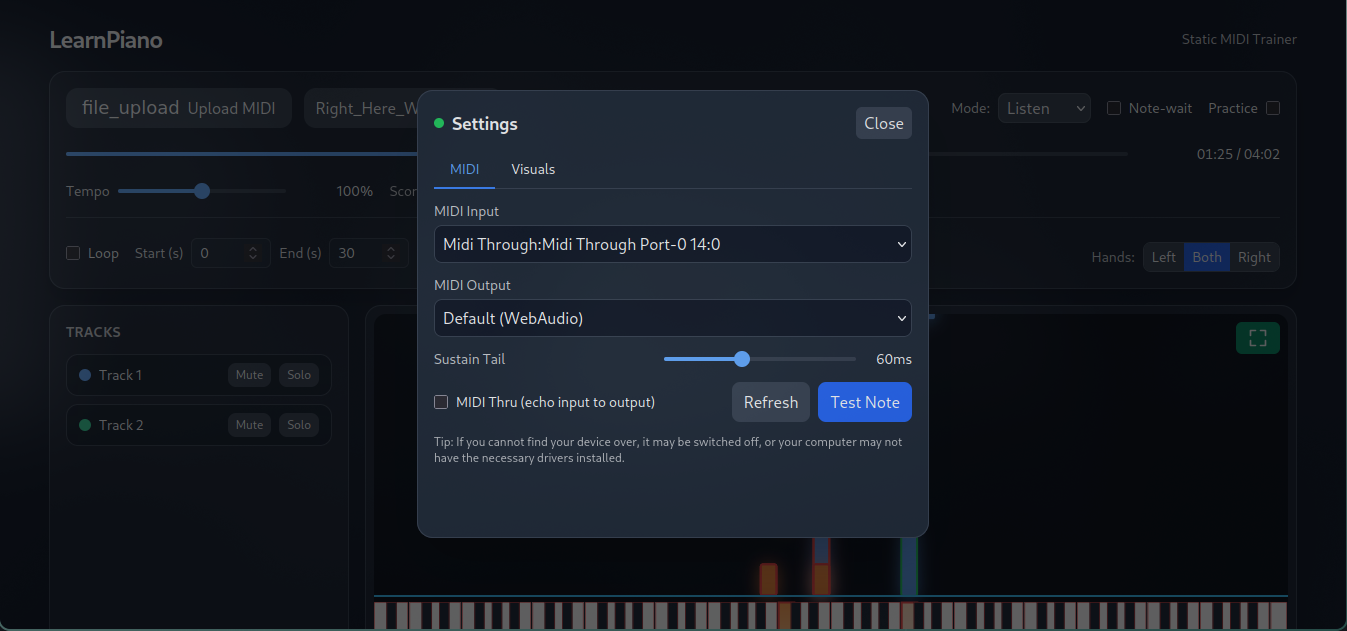
Use any USB‑MIDI or Bluetooth‑MIDI device (desktop browsers).
Load any .mid file. Your last song auto‑loads next time.
Keys highlight as you play for instant feedback.
See accuracy, timing, and missed notes after each run.
Playback pauses before the next notes until you play them.
Instantly transpose songs to your desired scale and key. Use auto‑detect to suggest a key, then fine‑tune with the Transpose & Key controls.
Practice left, right, or both hands with personalized parts.
Slow down, loop tricky sections, and build muscle memory.
Use any MIDI keyboard and optionally send notes to external gear.
See accuracy and timing to focus your practice.
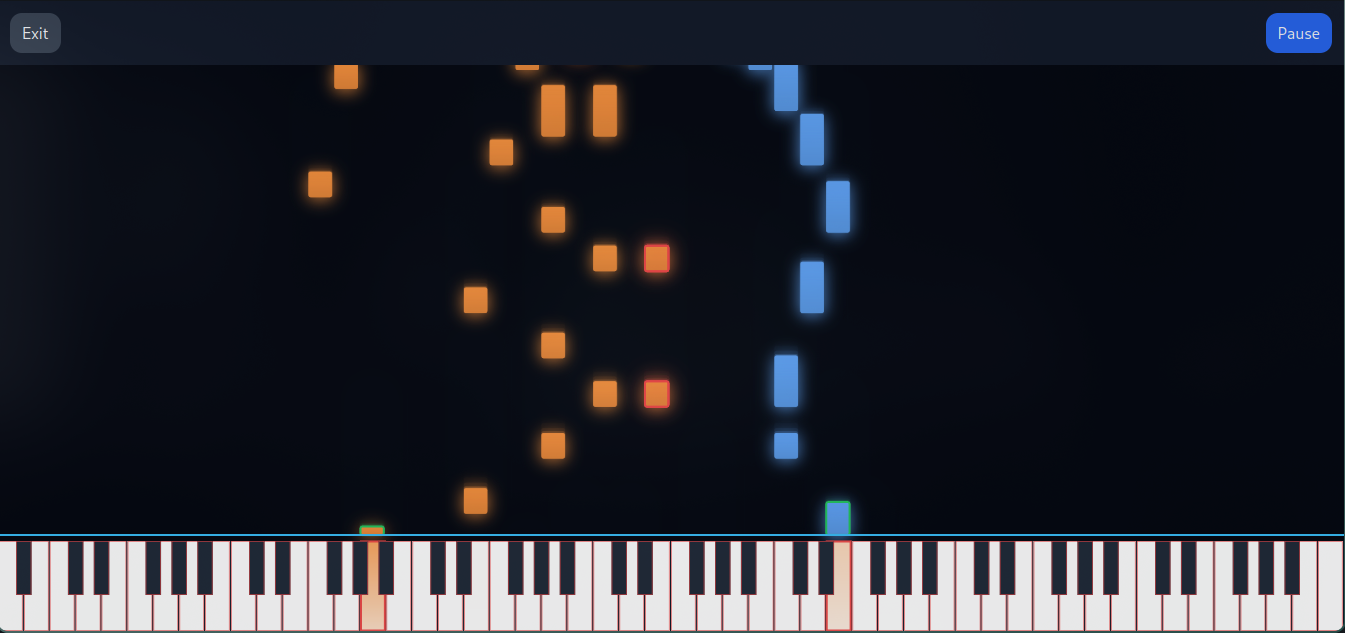
Clean piano roll with glowing keys and crisp hit line.
Quick answers and tips to common issues.
Colouring depends on the MIDI data and app settings. Many MIDI files don’t separate left/right hands; they use a single track/channel or overlap ranges. In those cases, we colour by part/track and pitch ranges, which can result in more than two colours.
Browsers block audio until you interact with the page. Also, audio can be disabled by system or device settings.
Web MIDI support varies by browser/OS and requires permission.
JavaScript runs primarily on a single main thread; audio timing can be sensitive to single‑core performance. On lower single‑core CPUs or when the browser tab is busy, you may hear latency.
Open the app, load a MIDI, and start learning with real‑time visual guidance.